
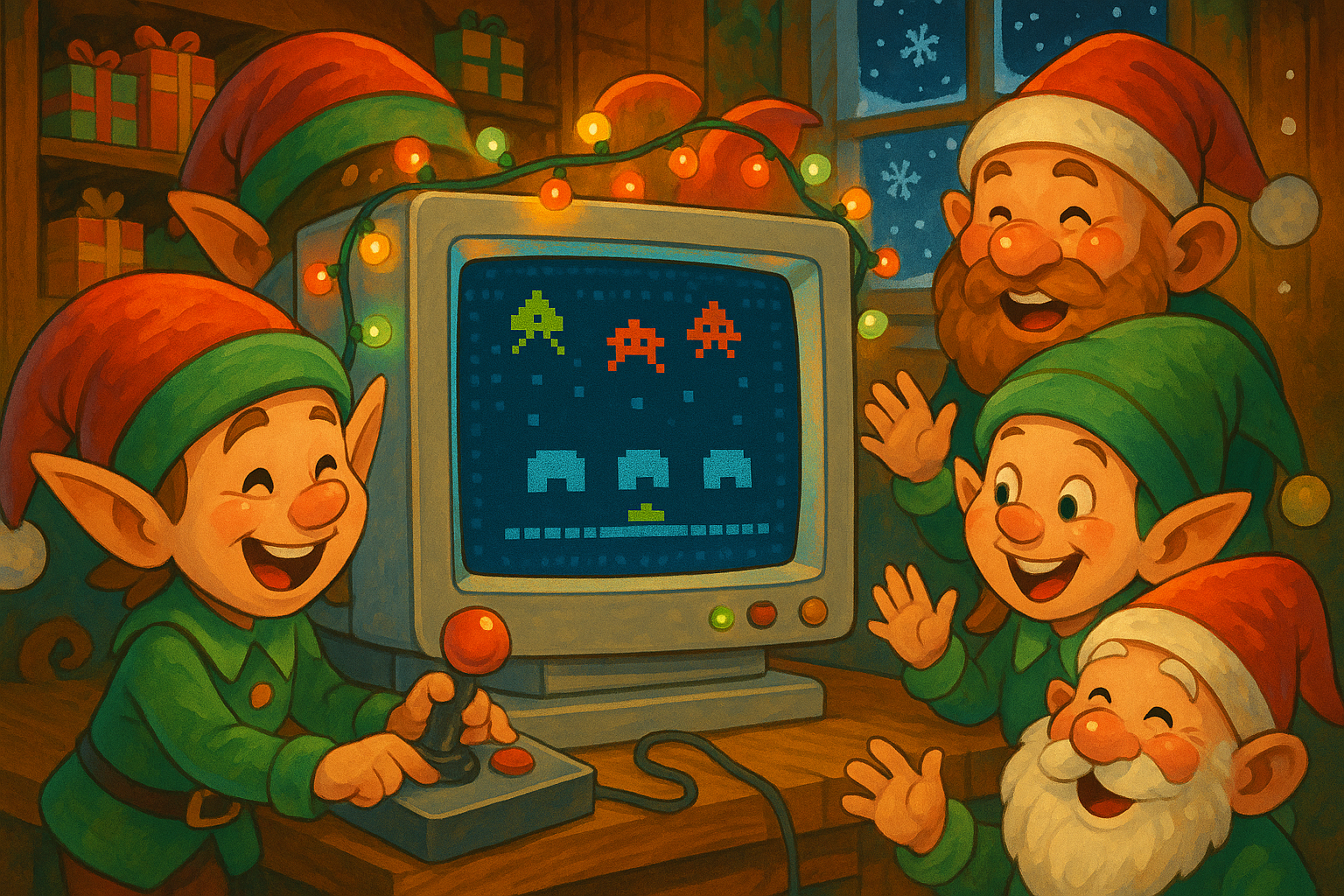

Remember SharePoint Central Administration? That legendary page from the on-premises days that was so complex, so overwhelming, that opening it felt like defusing a bomb? I always remember searching through those menus and functionalities…
So I redesigned it. I did it my way—you just need to type “start” or use the Konami Code to see it come to life.
Table of Contents
- The Story
- What I Built
- The Konami Code Easter Egg
- How the Full-Screen Overlay Works
- The Architecture
- Try It Yourself
- Conclusion
- Resources
The Story
It started with a simple question to Claude: would it be possible to put some retro arcade games in an SPFx WebPart? The AI assistant told me that “of course” it would be a great idea. Now, many prompts later, with some ideas abandoned and many more added, you can find the code at the end of this post. The WebPart is self-contained, meaning that you won’t even encounter any CSP (Content Security Policy) problems. All the code and sounds are included in the WebPart.
For those who didn’t grow up in the 80s and 90s: the Konami Code (↑↑↓↓←→←→BA) is the most famous cheat code in gaming history. It first appeared in Gradius on the NES in 1986 and has since become a cultural phenomenon, hidden in countless games, websites, and now… your SharePoint intranet.
What I Built
14 classic arcade games, all Christmas-themed, all running inside SharePoint Online:
Classic Arcade Games (12):
- Snake becomes a Christmas lights collection game
- Breakout turns Santa’s sleigh into a paddle breaking Microsoft 365 app blocks
- Tetris drops Microsoft product blocks (because why not?)
- Space Invaders features snowman enemies and Christmas tree shields
- Gorillas transforms into Santa vs Krampus snowball fights
- Pac-Man runs through a maze of gift-wrapped walls chasing cookies
- Frogger has your elf crossing busy roads and icy rivers to reach Christmas trees
- Asteroids puts Santa’s sleigh in space, destroying ice asteroids labeled with M365 products
- Donkey Kong has you climbing candy cane ladders to save Christmas from Krampus
- Galaga sends waves of festive enemies in formation attacks
- Ice Hockey features candy cane paddles on a frozen pond rink
- Missile Command defends your Christmas village from incoming missiles
Custom SharePoint Games (2):
- SPO-DOS Quiz: A DOS-style terminal that boots up with a floppy disk sound, presents 100 questions randomly selected from a pool of 180 SharePoint trivia questions, and randomly surprises you with a Blue Screen of Death
- SharePoint Empire: A Zork-inspired text adventure game with 15+ rooms, 30+ NPCs, and a natural language parser
Each game features a vintage CRT monitor frame effect, complete with a power-on sound when you start.
The Konami Code Easter Egg
This is the simple TypeScript class that listens for the legendary sequence:
export class KonamiCodeDetector {
  // ↑ ↑ ↓ ↓ ← → ← → B A
  private static readonly CODE = [
    'arrowup', 'arrowup',
    'arrowdown', 'arrowdown',
    'arrowleft', 'arrowright',
    'arrowleft', 'arrowright',
    'b', 'a'
  ];

  private keySequence: string[] = [];

  private handleKey = (e: KeyboardEvent): void => {
    const key = e.key.toLowerCase();
    this.keySequence.push(key);

    // Keep only the last N keys
    if (this.keySequence.length > KonamiCodeDetector.CODE.length) {
      this.keySequence.shift();
    }

    if (this.sequenceMatches()) {
      this.callback();
      localStorage.setItem('easteregg-found', 'true');
    }
  };
}
A rolling window of the last 10 keypresses is maintained. Every time a key is pressed, the code checks if the current sequence matches the code.
How the Full-Screen Overlay Works
When the Konami code is detected, the game will show over the entire screen. This is where things get interesting in SharePoint.
For a full-screen overlay, we can simply create a new div element and append it directly to the document body:
<div style={{
  position: 'fixed',
  top: 0,
  left: 0,
  width: '100%',
  height: '100vh',
  backgroundColor: '#0f0f1e',
  zIndex: 99999,
  display: 'flex',
  flexDirection: 'column',
  alignItems: 'center',
  justifyContent: 'flex-start',
  overflow: 'hidden'
}}>
  <RetroMonitorFrame
    isPoweredOn={this.state.monitorPoweredOn}
    onPowerToggle={this.handleMonitorPowerToggle}
    soundEnabled={this.state.soundEnabled}
  >
    {/* Game content rendered here */}
  </RetroMonitorFrame>
</div>
The zIndex: 99999 ensures the overlay stays on top of SharePoint’s UI elements.
The overlay includes a vintage CRT monitor frame effect with a slight screen curvature. When you power it on, you hear that satisfying CRT thunk sound that anyone over 35 will remember.
The Architecture
Building 14 games without creating a maintenance nightmare required some careful architecture:
The IGame Interface
Every game implements the same interface:
interface IGame {
  init(): void;
  start(): void;
  pause(): void;
  resume(): void;
  reset(): void;
  update(deltaTime: number): void;
  render(ctx: CanvasRenderingContext2D): void;
  destroy(): void;
  getScore(): number;
  getLevel(): number;
  getState(): GameState;
}
This allows the parent component to control any game without knowing anything about its implementation. Snake and Tetris and Missile Command all look the same from the outside.
The EventBus Pattern
Games communicate through a pub/sub event system:
GAME_START,GAME_PAUSE,GAME_RESUMEGAME_OVER,SCORE_CHANGED,LEVEL_UP
This decouples the games from the UI. The score display doesn’t poll the game for updates—it subscribes to SCORE_CHANGED and reacts accordingly.
The AudioManager
Browser audio is tricky. Autoplay policies, context suspension, mobile quirks—it’s a minefield. The AudioManager handles all of this:
public async loadSound(name: string, url: string): Promise<void> {
  try {
    const response = await fetch(url);
    const arrayBuffer = await response.arrayBuffer();
    const audioBuffer = await this.context!.decodeAudioData(arrayBuffer);
    this.sounds.set(name, audioBuffer);
  } catch (error) {
    console.error(`Failed to load sound: ${name}`, error);
  }
}
All sound effects are generated programmatically using the Web Audio API—no external audio files except for the CRT power-on sound and the floppy disk boot sound (both properly attributed to their Creative Commons sources).
Try It Yourself
The solution is available as an open-source SPFx WebPart. Add it to any page and let users play directly.
Conclusion
SharePoint Central Administration was complicated because enterprise software is complicated. But that doesn’t mean it can’t also be fun.
This project started as a little challenge project—I had never implemented a game before—and turned into a genuine exploration of what’s possible with SPFx. Canvas 2D rendering, the Web Audio API, event-driven architecture—all working together inside SharePoint Online.
It also turned out that developing games can be very demanding, because you need to play your games again and again, and sometimes you need to reach high scores to test this or that functionality.
Now if you’ll excuse me, I have a high score to beat in SPO-DOS Quiz. My SharePoint trivia knowledge is being seriously tested by those 100 questions, and because I always get a hint about what the right answer was, I get a chance to become better.
Merry Christmas, and happy coding!