
I will not introduce GriMoire here. Not because it doesn’t deserve it — it is by far the most advanced solution I have ever implemented — but because this post is about something else. It is about the experience of building it. About how the act of implementing software has quietly shifted from pure engineering into something that, at times, feels closer to painting.
Table of Contents
- Table of Contents
- A Year Between Two Hackathons
- Two Weeks
- The Moment Everything Changed
- The Colours on the Palette
- The Painting
- Resources
A Year Between Two Hackathons
A year ago I participated in the SharePoint Hackathon 2025. I used AI back then too — ChatGPT, Copilot, occasionally Aider with a local model — but it wasn’t embedded in my flow. I used it when I was stuck. I asked it questions. I copied answers and adapted them. The AI was a reference book I opened when needed and closed when done.
This year is different. Claude Code and OpenAI Codex have become a central part of how I write software. Not as reference books, but as something closer to collaborators sitting next to me. I don’t iterate on technical problems the way I used to — spending hours debugging a WebRTC connection or fighting with an SSE parser. I describe what I want, and we build it together. The iteration happens at the level of intent, not implementation.
This shift is real and it is significant. It does not mean the thinking has disappeared — quite the opposite. It means the thinking has moved up. I spend more time on what should this do and why does this matter and less time on how do I make this compile.
Two Weeks
I started thinking about the hackathon submission in December 2025. The actual implementation of GriMoire began in late February 2026. GriMoire, as it exists today, is just about two weeks old.
How is that possible?
My first idea was to build a better Agent Builder — a web part that would interactively scaffold a declarative agent, with AI assistance and some features I was excited about, like a cinema mode during agent creation. I built it. It worked. It was up and running by the end of February.
But then a different question started nagging me. Why should the user build agents at all? Why not just talk to one? Why not introduce voice, an avatar, and — this is where it got interesting — make the AI aware of what the user was seeing in the UI?
The Moment Everything Changed
As I always do, I let the AI assistants research what I could do. I asked Claude Code to explore frameworks, concepts, approaches for making an LLM aware of the visual state of a web application.
To my astonishment, and after digging more than a couple of times, the answer was plain and simple: there is no framework or established concept for that. We need to build it.
The Hybrid Interaction Engine was born — a state machine that projects UI context back into the LLM’s prompt, so the assistant knows what blocks are on screen, what the user clicked, what was just searched, what form was just submitted. It sees the UI. It remembers the thread. It connects the next action.
I threw the Agent Builder out of scope and committed fully to building a visual AI assistant for Microsoft 365. Two weeks. From scratch. That’s the hackathon mindset I have, if it doesn’t work, I have at least learned something, and it is more about ideas than having a production ready product (solely my interpretation)
The Colours on the Palette
So what is GriMoire built upon? Let me walk through the building blocks — the colours I picked up along the way.
SPFx — The Canvas
I am a fan of SPFx, and it is because this framework is more flexible than most people give it credit for. It lets you build rich, full-featured applications that live directly inside SharePoint — no separate hosting, no redirect, no context switch for the user.
To my knowledge, there is no framework today that gives you this return on investment when building solutions in the Microsoft 365 ecosystem. SPFx was not just the natural choice for GriMoire — it was the only choice that made sense.
Copilot APIs and SharePoint Search — The Depth
The Copilot Retrieval, Search and Chat APIs are the foundation of GriMoire’s intelligence. They give a semantic approach to your tenant’s data that keyword search alone cannot match. I wrote about these APIs in depth in a previous post .
But semantic search alone isn’t enough. SharePoint Search is still powerful for exact matches and known-item retrieval. So I implemented keyword extraction and added SharePoint Search as a third source, fusing all three results with Reciprocal Rank Fusion. One question from the user, best-of-three answers under the hood.
Agents 365 Tools — The Reach
This is the new world of functionality coming to Microsoft 365 and it is impressive. Through the Model Context Protocol, GriMoire connects to 8 Agents 365 servers exposing 100 tools — handling calendars, teams, mail, SharePoint, OneDrive, Word, and more.
The performance is not yet optimal at the time of writing, but the direction is clear. We are heading somewhere where building integrated M365 experiences will be fundamentally simpler than it is today. GriMoire is an early bet on that path.
Azure and Microsoft Foundry — The Frame
Microsoft Azure is powerful, and Microsoft Foundry makes scaffolding LLM-powered backends remarkably fast. I was personally impressed by how quickly I could stand up the backend — Azure Functions with managed identity, connected to Azure OpenAI models for voice (Realtime API via WebRTC) and text (streaming chat completions).
What surprised me most? The cost. Building GriMoire — all the development, all the testing, all the voice sessions — generated less than 2 US dollars in Azure consumption. Two dollars. That’s the price of a coffee where I live, and it got me a fully functional AI assistant with voice, search, and 100 connected actions.
The Painting
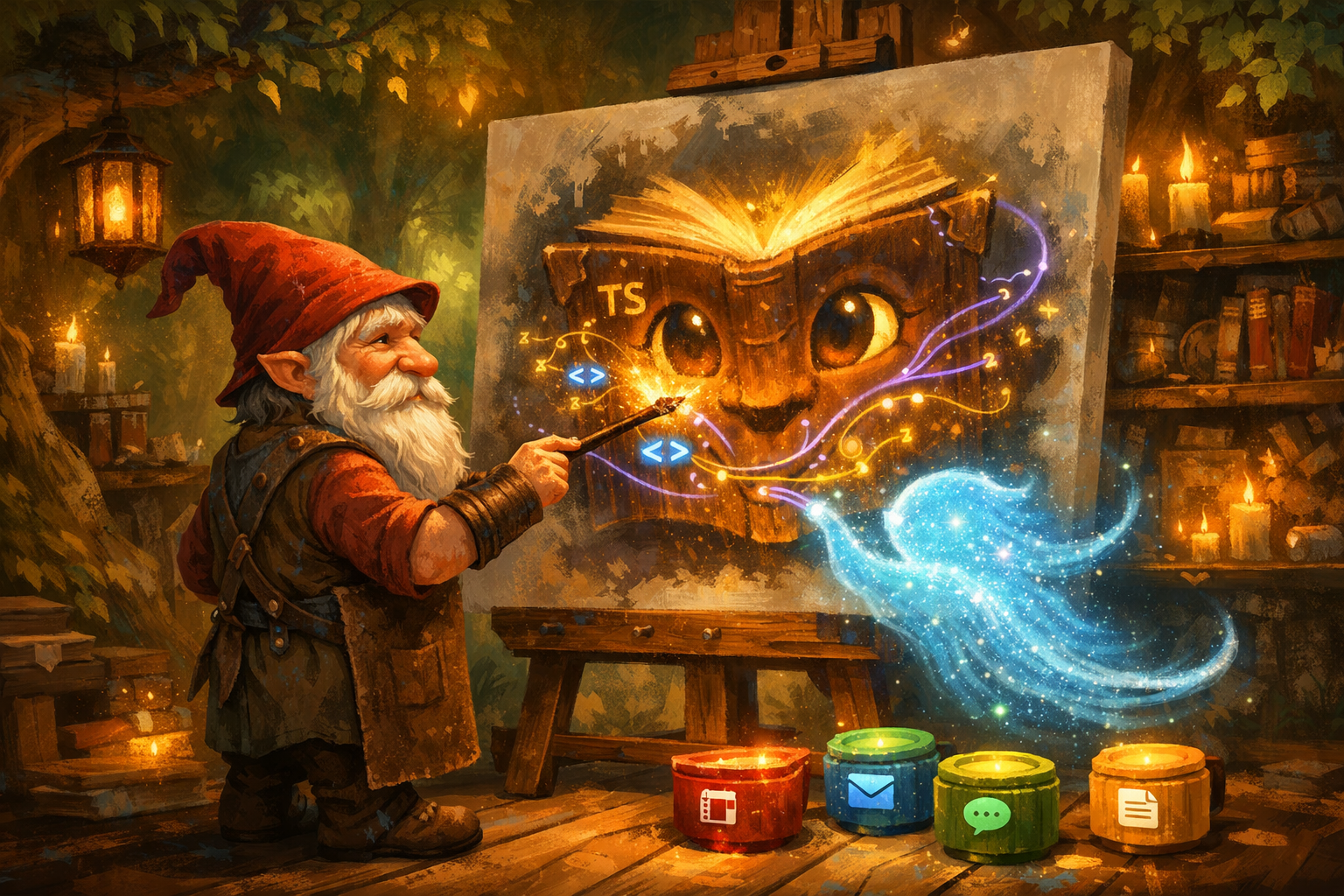
At some point during these two weeks, something shifted in how I experienced the work. It stopped feeling like engineering in the traditional sense. It started feeling like painting.
You pick a colour — let’s try voice. You sketch a shape — the avatar needs to react. You step back and look at the whole canvas — does the search flow lead naturally into the action? You mix something new — what if the assistant could see what’s on screen? Some strokes come out exactly right on the first try. Others, you paint over three times and it still looks wrong, until suddenly it doesn’t.
Thanks to AI, we have become something like artists. Not because the work is less technical — GriMoire has 84 test suites and a state machine with 30 event types — but because the bottleneck has moved. The hard part is no longer can I implement this. The hard part is what should I paint next. The vision matters more than the syntax.
No painting is made alone. Nicole Beck Dekkara has been part of GriMoire from the start — shaping the ideas during ideation, stress-testing every flow as the most relentless tester I know, and producing the entire video submission for the hackathon. When you build something this fast, you need someone who sees what you don’t. Nicole was that person, and GriMoire is better for it.
I submitted GriMoire to the SharePoint Hackathon 2026 yesterday. The painting is done — and it turned out way nicer than I ever thought it would.
“By the way, I cannot paint. Or can I?”
If you are interested in GriMoire, you can find the project at grimoire-hie.github.io and the full source code at github.com/grimoire-hie/grimoire-spfx .